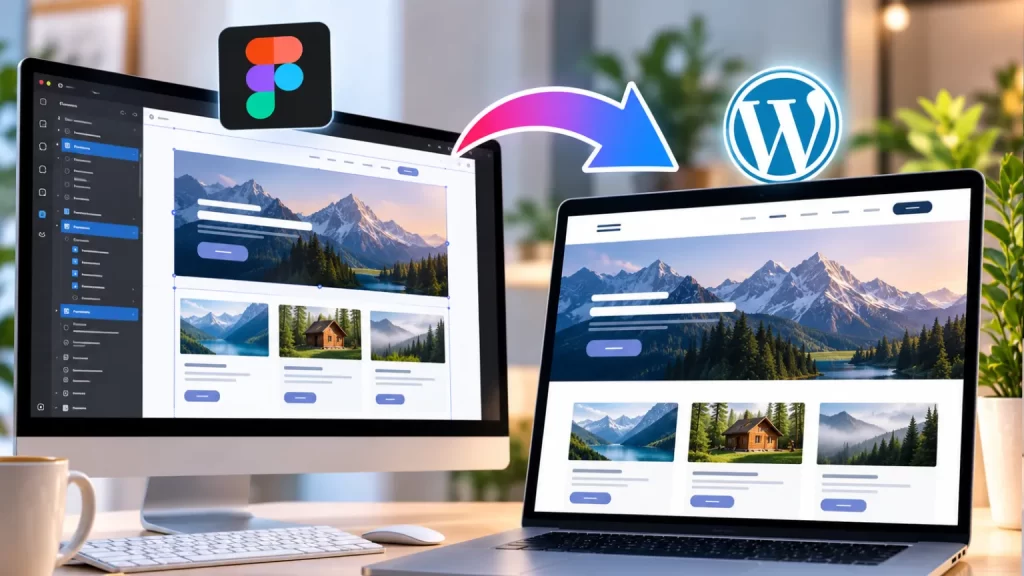
A Figma to WordPress conversion service India helps businesses transform professionally designed Figma layouts into fully functional WordPress websites.
Table of Contents
Figma is widely used for creating website interfaces, while WordPress provides the platform for publishing and managing the finished website. Converting the design into WordPress requires more than simply copying the visual appearance. The website also needs responsive layouts, reusable components, proper functionality, optimized code and an easy-to-manage backend.
A professional WordPress development company like NJ Technos can convert Figma designs into responsive WordPress websites while maintaining the intended design and user experience.
What Is Figma to WordPress Conversion?
Figma to WordPress conversion service India involves taking a website design created in Figma and developing it as a working WordPress website.
The process can convert:
- Homepage designs
- Inner pages
- Headers
- Footers
- Landing pages
- Blog layouts
- Service pages
- Product pages
- Custom sections
- Responsive designs
The final website can be managed through WordPress while maintaining the visual structure of the original Figma design.
9 Powerful Benefits of Figma to WordPress Conversion
1. Pixel-Accurate Website Development
A major advantage of converting Figma designs into WordPress is the ability to maintain the original design structure.
Developers can carefully implement:
- Typography
- Colors
- Spacing
- Buttons
- Images
- Icons
- Grids
- Sections
- Responsive layouts
The goal is to make the developed website closely match the approved Figma design.
2. Responsive WordPress Website
A Figma design may include separate desktop, tablet and mobile layouts.
During development, these designs can be converted into responsive WordPress templates.
The website can be optimized for:
- Desktop
- Laptop
- Tablet
- Smartphone
Elements such as navigation, typography, images, columns and spacing can change appropriately depending on screen size.
3. Custom WordPress Theme Development
Figma designs can be converted into a custom WordPress theme instead of relying completely on a pre-built theme.
A custom theme can include:
- Custom header
- Custom footer
- Homepage template
- Page templates
- Blog templates
- Archive templates
- Custom post type templates
WordPress provides official Theme Developer documentation covering theme structure, templates, functionality and development practices.
4. Better Design-to-Code Accuracy
A detailed Figma design provides developers with information about the intended visual structure.
This can include:
- Font sizes
- Font weights
- Colors
- Margins
- Padding
- Border radius
- Component sizes
- Image dimensions
This helps reduce the difference between the approved design and the final website.
5. SEO-Friendly WordPress Structure
A Figma file only represents the visual design. The WordPress development stage determines how the website content is structured.
A properly developed website can include:
- Semantic HTML
- Proper headings
- Search-friendly URLs
- Optimized images
- Internal links
- Mobile-friendly layouts
- Fast-loading templates
Google’s Search Central documentation provides useful guidance for creating search-friendly websites.
6. Custom Functionality
A Figma design may contain features that require custom WordPress development.
For example:
- Custom sliders
- Filters
- Interactive sections
- Search functionality
- Custom forms
- Dynamic content
- Membership areas
- Product layouts
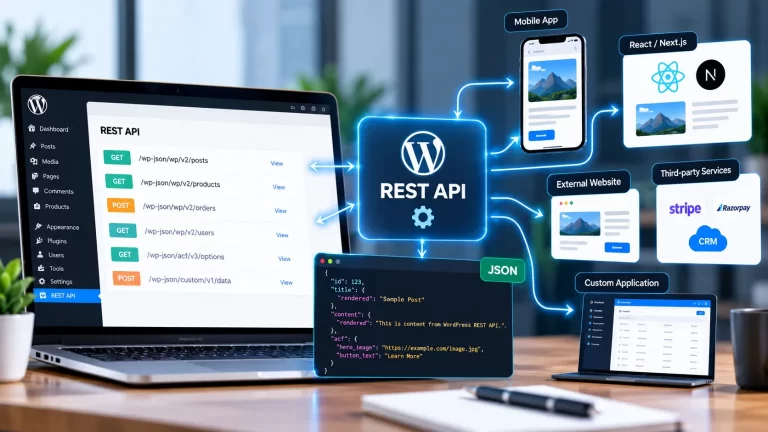
- API integrations
If functionality cannot be handled by the theme itself, a custom WordPress plugin can be developed separately.
7. Easy Content Management
One of the biggest benefits of WordPress is that business owners can manage website content without editing the code every time.
Depending on the project, editable content can include:
- Headings
- Images
- Text
- Services
- Blog posts
- Testimonials
- Team members
- Products
- Case studies
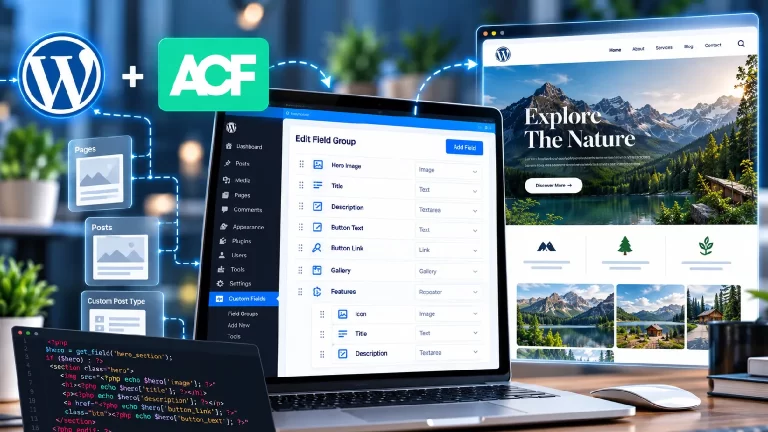
Custom fields and WordPress admin functionality can also be added when required.
8. Faster and Cleaner Website Development
A well-planned Figma design gives developers a clear reference before development begins.
This can make it easier to understand:
- Page structure
- Components
- Content hierarchy
- Responsive behavior
- Design system
- Reusable sections
Developers can then create reusable WordPress components instead of rebuilding similar sections repeatedly.
9. Scalable Website Architecture
A custom WordPress website can be designed to support future growth.
A business may initially need:
Homepage → About → Services → Contact
Later, it may add:
Blog → Case Studies → Team → Resources → WooCommerce → Membership
A properly structured WordPress website can be expanded as these requirements develop.
Figma to WordPress Conversion Process
Step 1: Analyze the Figma Design
The developer reviews the complete Figma file and identifies:
- Pages
- Components
- Fonts
- Colors
- Images
- Icons
- Desktop layouts
- Mobile layouts
- Interactive elements
Step 2: Plan the WordPress Structure
The design is divided into reusable website components.
For example:
- Header
- Hero
- Services
- Testimonials
- CTA
- Footer
Step 3: Create the WordPress Theme
The required theme files and templates are developed according to the website structure.
Step 4: Convert the Figma Layout
The approved design is converted into HTML, CSS, PHP and JavaScript within the WordPress environment.
Step 5: Add Dynamic Content
Static design sections can be connected to WordPress content so administrators can update them from the dashboard.
Step 6: Implement Responsive Design
The website is adjusted for desktop, tablet and mobile screens.
Step 7: Add Functionality
Forms, sliders, filters, custom post types, WooCommerce or other required features are integrated.
Step 8: Test the Website
The website is checked for:
- Responsive behavior
- Browser compatibility
- Forms
- Links
- Navigation
- Performance
- SEO
- Content editing
Figma Design vs WordPress Website
| Figma Design | WordPress Website |
|---|---|
| UI/UX design | Working website |
| Static interface | Dynamic content |
| Design prototype | Functional pages |
| Visual components | Reusable WordPress components |
| No database | WordPress database |
| No backend | Admin dashboard |
| Design-focused | Content + functionality |
Figma is therefore the design stage, while WordPress becomes the functional website platform.
Converting Figma to a Custom WordPress Theme
A custom theme is useful when the Figma design is unique and does not match an existing WordPress theme.
The developer can create:
- Custom templates
- Custom navigation
- Custom blog layouts
- Custom post types
- Reusable sections
- Responsive components
- Custom CSS
- Custom JavaScript
This provides greater control over the final website.
Figma to WordPress for Business Websites
Businesses can use Figma-to-WordPress development for websites such as:
- Corporate websites
- Agency websites
- Startup websites
- SaaS websites
- Portfolio websites
- Service websites
- Industry websites
- Educational websites
- NGO websites
The design can be created in Figma first and then converted into a manageable WordPress website.
Figma to WordPress for WooCommerce
Figma designs can also be converted into WooCommerce websites.
Custom ecommerce designs can include:
- Homepage
- Shop page
- Category pages
- Product pages
- Cart
- Checkout
- Customer account
This is useful when a business wants an ecommerce website that does not look like a standard WooCommerce template.
For advanced ecommerce requirements, custom WooCommerce functionality can be developed according to the store’s workflow.
Performance Optimization
A Figma design may look visually impressive, but the final WordPress website also needs to perform efficiently.
Development can consider:
- Image optimization
- Responsive images
- Efficient CSS
- Optimized JavaScript
- Font loading
- Lazy loading
- Proper caching
- Lightweight components
The final performance depends on the complete website, including hosting, plugins, images and third-party services.
SEO During Figma to WordPress Conversion
SEO should be considered during development rather than after launch.
Important elements include:
- Proper heading hierarchy
- SEO-friendly URLs
- Image ALT text
- Internal linking
- Mobile responsiveness
- Fast-loading pages
- Crawlable content
- Metadata
- Structured content
Existing websites should also preserve important URLs and content wherever possible.
Custom WordPress Plugin Integration
Sometimes the Figma design includes functionality that should not be placed directly inside the theme.
For example:
- Membership functionality
- Custom dashboards
- Booking systems
- Advanced filters
- API integrations
- Custom forms
These features can be developed as plugins so that the functionality remains separate from the website’s visual theme.
Mobile-Friendly Figma to WordPress Development
Mobile design should be considered from the beginning.
Developers can convert separate Figma mobile layouts into responsive WordPress code.
Important areas include:
- Mobile navigation
- Font sizes
- Button sizes
- Image proportions
- Section spacing
- Columns
- Forms
- Cards
The result should provide a consistent experience across different devices.
Common Mistakes to Avoid
Using a Generic Theme for a Unique Design
A complex Figma design may not work correctly when forced into an unrelated pre-built theme.
Ignoring the Mobile Figma Design
Desktop and mobile layouts can require different responsive behavior.
Adding Too Many Plugins
Only the functionality actually required should be added.
Ignoring Website Performance
A visually accurate website can still become slow if assets are not optimized.
Poor Content Structure
Design should be converted into a proper WordPress content structure instead of creating everything as static elements.
Not Testing Forms
Contact, lead generation and other forms should be tested before launch.
How Much Does Figma to WordPress Conversion Cost?
The cost depends on the complexity of the Figma design.
A simple website may contain:
- 5–7 pages
- Basic animations
- Standard forms
- Responsive layouts
A larger project may include:
- Multiple templates
- Custom post types
- Advanced animations
- WooCommerce
- Membership
- API integration
- Custom dashboards
Therefore, the final cost should be estimated after reviewing the Figma design and functionality requirements.
How to Choose a Figma to WordPress Development Company
Before choosing a development company, check its experience with:
- WordPress
- Custom themes
- Figma-to-code conversion
- Responsive development
- WooCommerce
- PHP
- JavaScript
- API integration
- Performance optimization
- SEO-friendly development
It is also useful to review previous projects and confirm whether the developer can handle both design accuracy and WordPress functionality.
Frequently Asked Questions
What is Figma to WordPress conversion?
It is the process of converting a website design created in Figma into a fully functional WordPress website.
Can Figma designs be converted into a custom WordPress theme?
Yes. Developers can build a custom WordPress theme based on the approved Figma design.
Will the WordPress website look like the Figma design?
The website can be developed to closely match the approved Figma design, including layouts, typography, colors, spacing and components.
Can the website be responsive?
Yes. Desktop, tablet and mobile Figma layouts can be converted into responsive WordPress designs.
Can WooCommerce be added?
Yes. Figma ecommerce designs can be converted into custom WooCommerce pages and templates.
Can custom functionality be added?
Yes. Custom plugins, APIs, forms, filters, dashboards and other functionality can be developed according to requirements.
Can I edit the website after conversion?
Yes. Content can be made editable through the WordPress dashboard.
Is a custom theme better than a pre-built theme?
It depends on the project. A custom theme provides more control when the design and functionality are highly specific.
Final Thoughts
Figma to WordPress conversion service India helps businesses turn approved UI designs into functional, responsive and manageable WordPress websites.
The process combines design accuracy with WordPress development, allowing businesses to maintain their visual identity while gaining the flexibility of a content management system.
From corporate websites and portfolios to WooCommerce stores and complex business platforms, Figma designs can be converted into custom WordPress solutions based on the project’s requirements.